Meet Sign-Up Guide
Want to sign your child up for one of our upcoming meets, and not sure where to start?
Please refer to this simple breakdown.
Firstly, locate the "Events" tab on the Dundee Dolphins Website
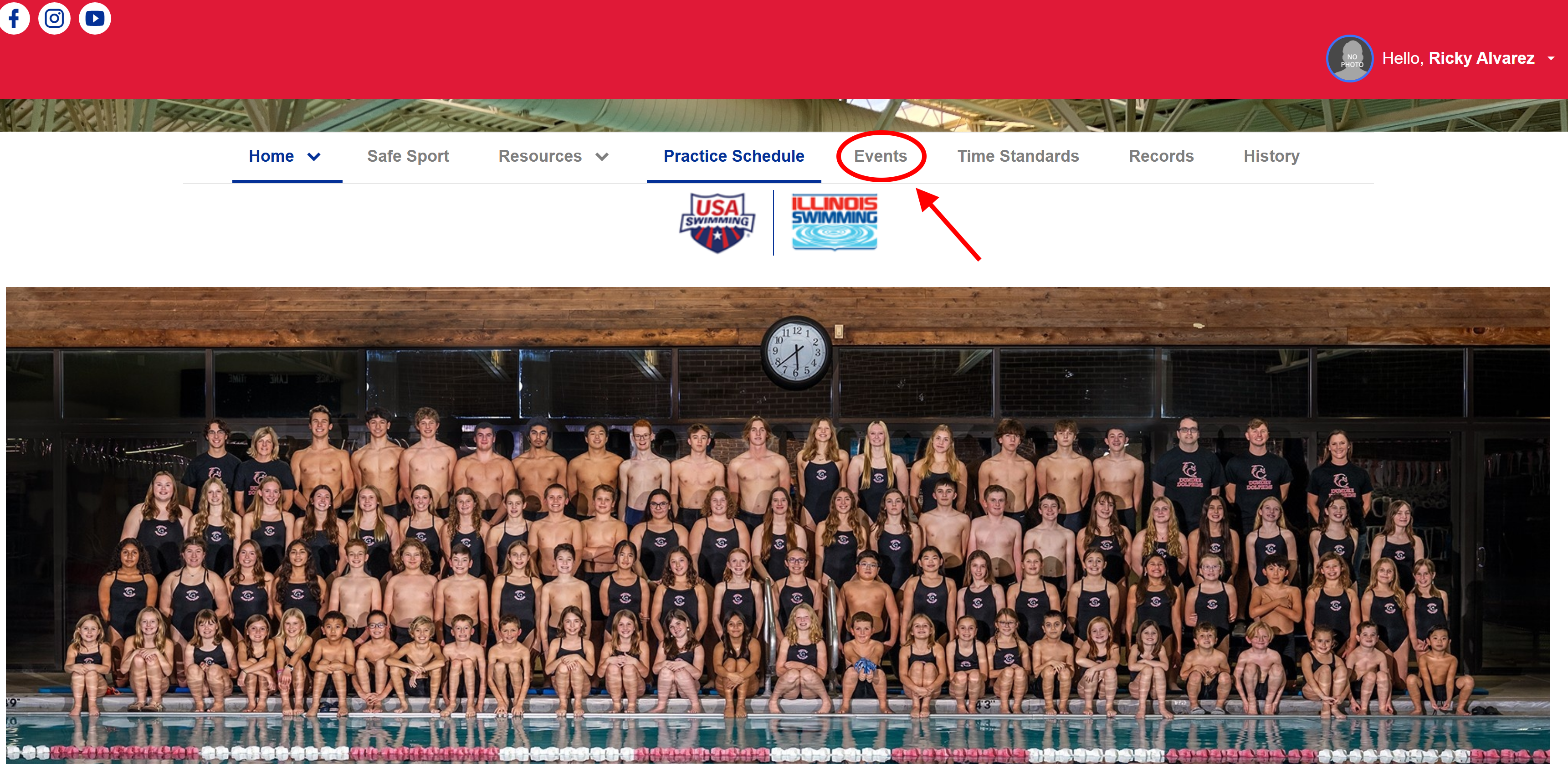
After locating the "Events" tab, locate the desired meet that you would like to sign your child up for.
Once located, click on the "Attend/Decline" button.

Once the "Attend/Decline" button is clicked on, you will be redirected to the athlete signup page.
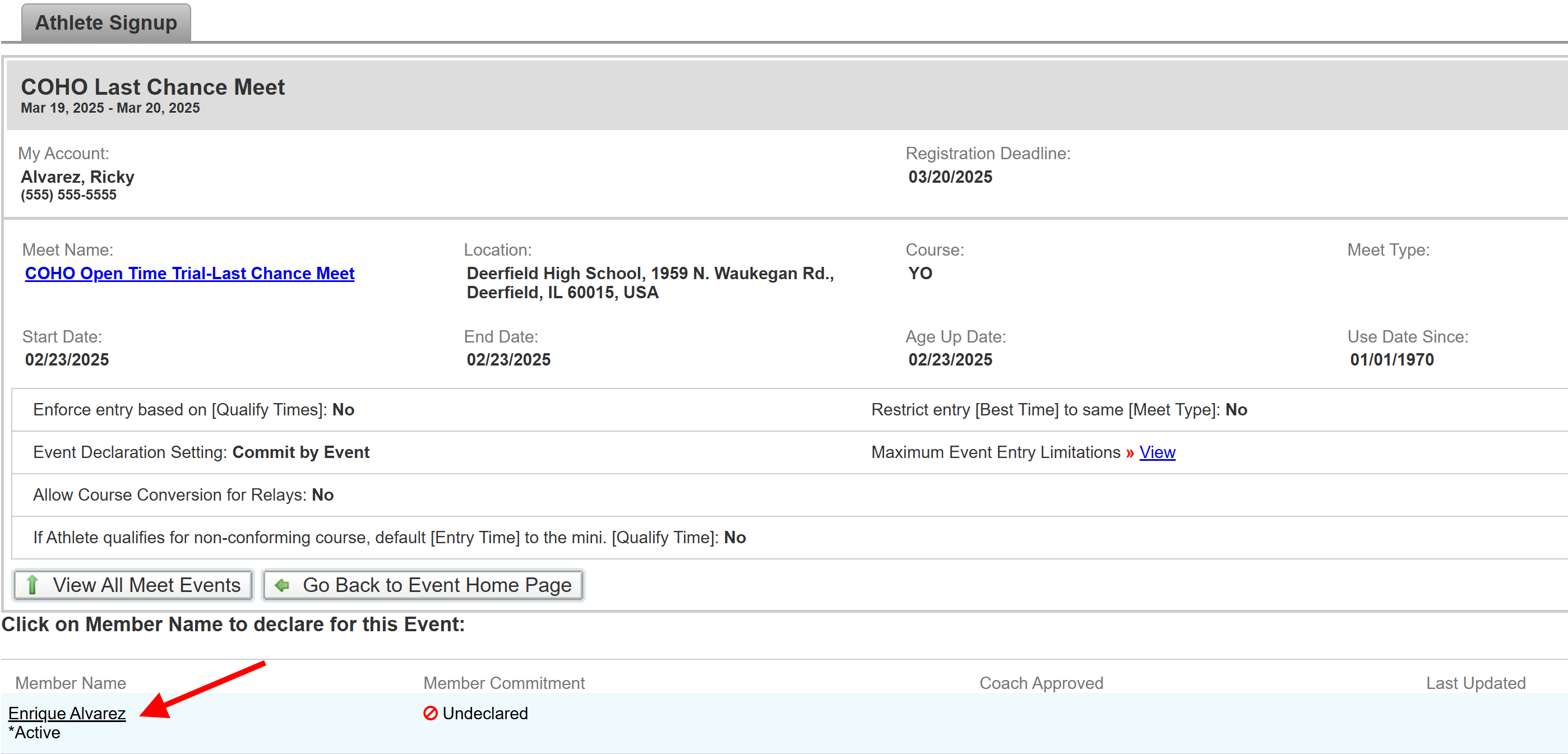
Once you are on the athlete signup page, all active swimmers will be shown at the bottom of the page.
Select any swimmer(s) (click on their name) that you want to sign up for the selected meet.
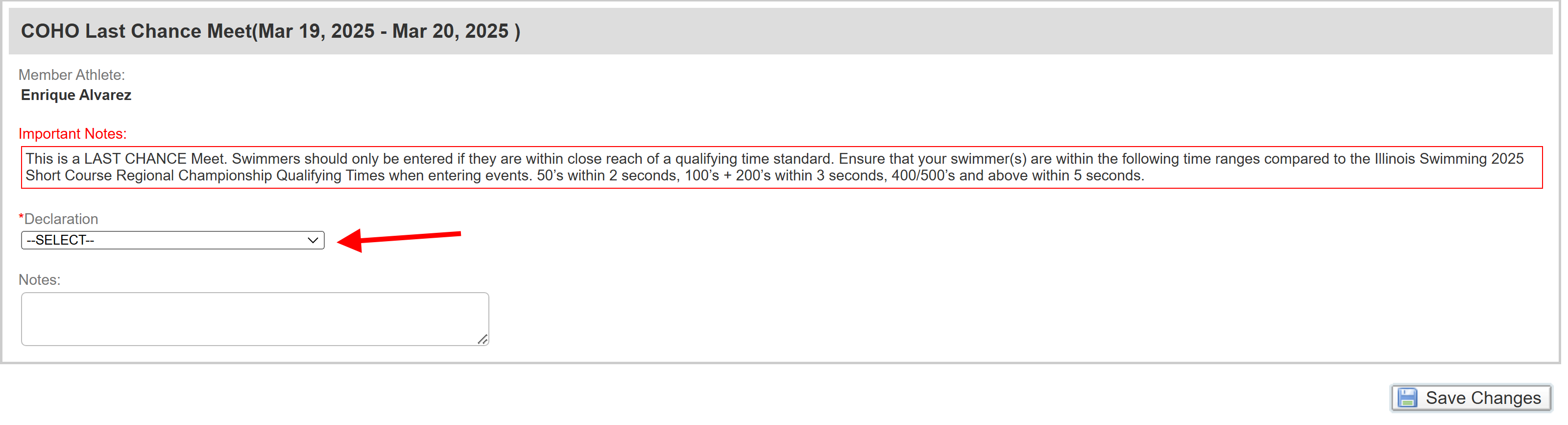
After selecting your swimmer(s) names. You will have to declare that they will be swimming at this meet.
Click on the drop down box and select "Yes, please sign [Swimmer Name] up for this event"
*Make sure to save changes once done*

Once your swimmer has been declared at the meet, you will be redirected to the event selection screen.
Select desired events by clicking on the check boxes located on the left side of the screen.
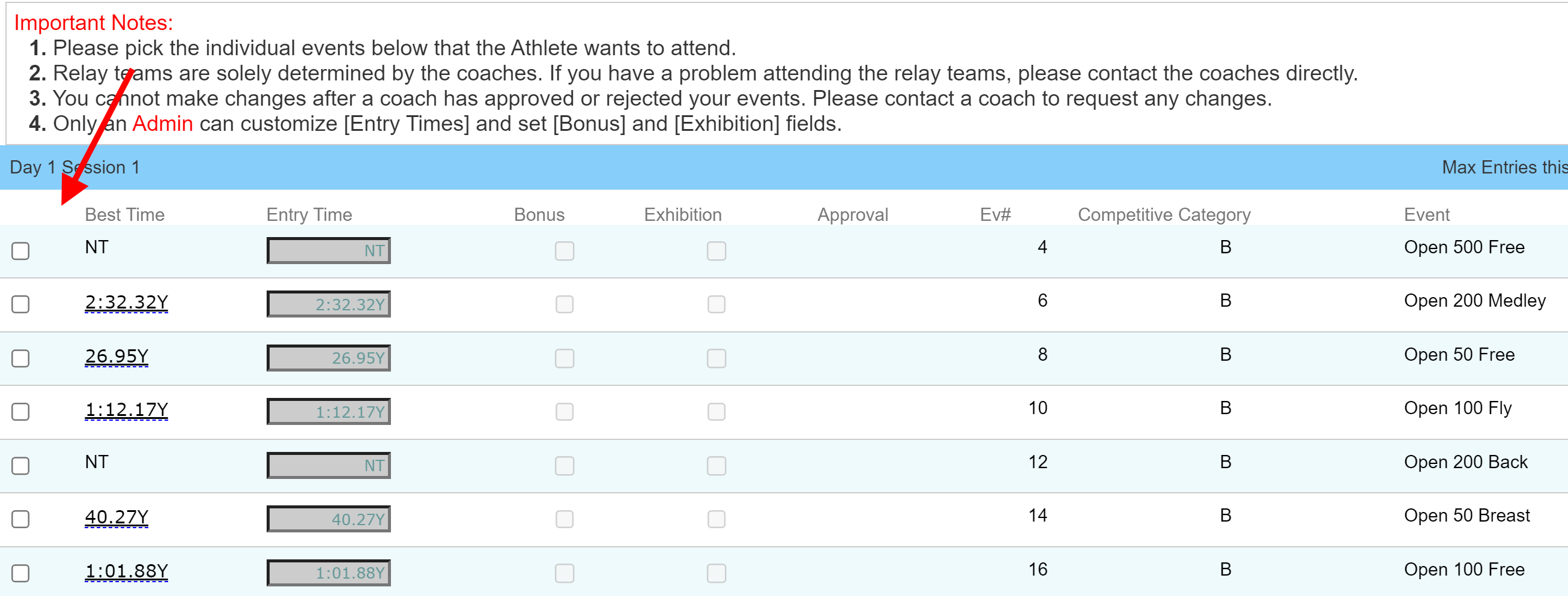
*Selected events will display a check mark, and will be hilighted in yellow.*

Once all desired events are selected, scroll to the bottom of the signup page, and save changes.
*Make sure to take note of the following: Day and Session of selected events, and age group of selected events*

After saving changes, you will be redirected back to the Athlete Sign-Up page, where once approved by a coach, selected events will be displayed by your swimmers name.

*All meet fees, (excluding admission for spectators) will be charged to your Escrow account following the meet entry deadline.*
Still have questions?
Please email Head Coach Deidre Morgan