Volunteering | How to Sign Up Guide
Volunteering will be rolled out through Team Unify with emails announcing that a sign up is open. Social functions will usually be posted well in advance, and meets closer to the actual date.
Within the email is a Job Sign Up button that will take you to the team website. You will need to log into your account with your password to sign up.
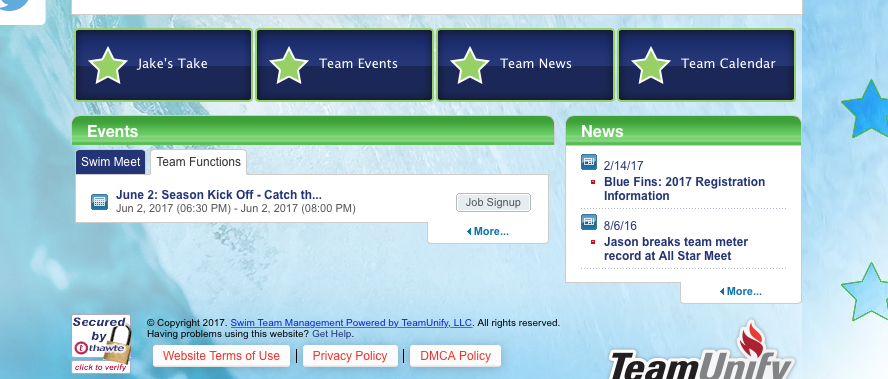
You can also access the Job Sign Up button by going to the home page and under the events tab you can see the tabs for Meets and Team Functions. Here is an example of a team function (the season kick off party):
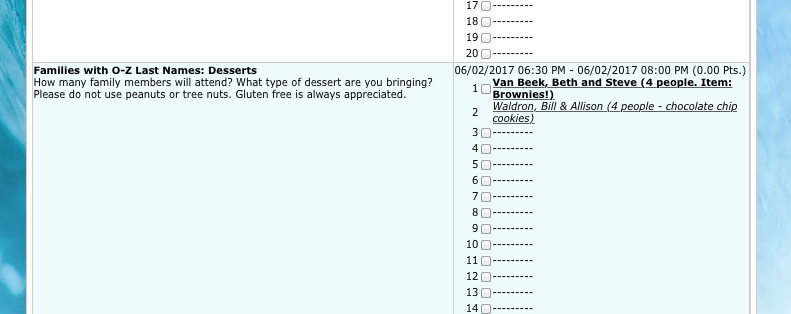
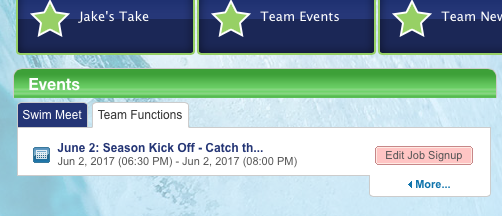
And after you have signed up, you should be able to see your commitment. Pulling from the season kick off event, here is an example of what you might see after you complete the Job Sign Up and click "save":