
USA SWIMMING SAFESPORT EDUCATION PLATFORM
For Athletes (ages 13-17):
- Visit https://www.usaswimming.org/; Click on “Login/Register” to log into your SWIMMER'S account. (Not the parent's - otherwise the swimmer will not get credit for the course, the parent will).
- Click on “Education” in the navy toolbar.
- Select Course Catalog.
- Select the Athletes circle
- Select SSRP tab
- Select “Safe Sport for Youth Athletes (13-17)”
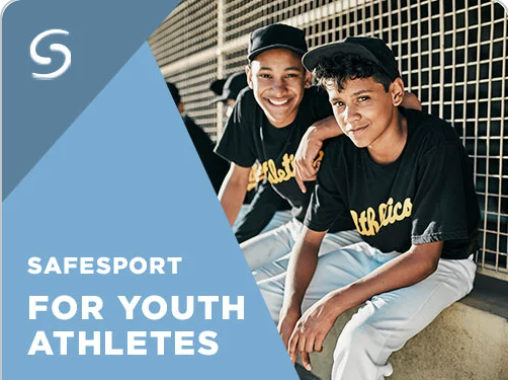
- Go to View Info and select "Start"
- You will need to accept terms and conditions and then proceed to taking the course.
- Once you have completed the course download your certificate. (If you have issues downloading your certificate, please follow this link for troubleshooting info.) Please note, it may take 24-48 hours for your certificate to be available for download in your account.
For Adult Athletes (age 18+): This is a REQUIRED course in order to participate in practices and USA Swimming meets. Failure to do so, may result in being scratched from meets.
- Visit https://www.usaswimming.org/; Click on “Login/Register” to log in to your SWIMMER account.
- Click on “Education” in the navy toolbar.
- Select Course Catalog.
- Select the Athletes circle
- Select 18+ Requirements tab
- Select “Athlete Protection Training”
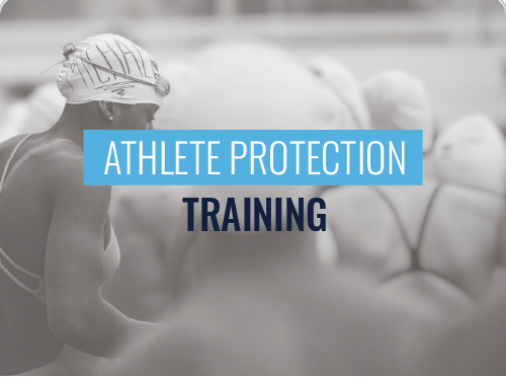
- Go to View Info and select "Start"
- You will need to accept terms and conditions and then proceed to taking the course. (please allow ~90 minutes to complete the course)
- Once you have completed the course download your certificate. (If you have issues downloading your certificate, please follow this link for troubleshooting info.) Please note, it may take 24-48 hours for your certificate to be available for download in your account
For Parents (we request a minimum of 1 parent per household): If you have completed the parent course within the last 18 months, you may be given the option to do a shorter Refresher course, if the systems prompts you accordingly.
- Visit https://www.usaswimming.org/; Click on “Login/Register” to log in to your PARENT account.
- Click on “Education” in the navy toolbar.
- Select Course Catalog.
- Select the Parents/Volunteers circle
- Select SSRP tab
- Select "Parents Guide to Misconduct in Sport"
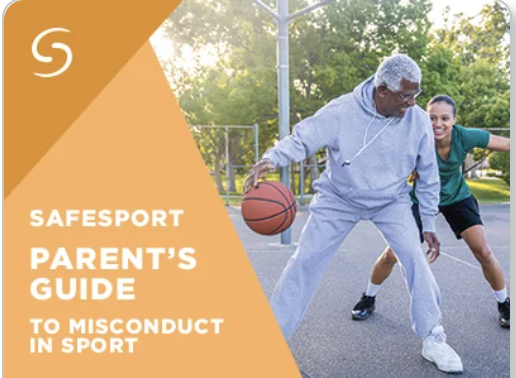
- Go to View Info and select "Start"
- You will need to accept terms and conditions and then proceed to taking the course.
- Once you have completed the course download your certificate. (If you have issues downloading your certificate, please follow this link for troubleshooting info.) Please note, it may take 24-48 hours for your certificate to be available for download in your account.