
Athletic Clearance "How-To"


Athletic Clearance (Physicals) for Woodcreek H.S. Aquatics Athletes
You cannot do any activities until this is uploaded AND cleared in HomeCampus. See below for step-by-step actions.
If you are reading this in May before the start of school - make sure to have your physical / clearance signed off AFTER mid-May for the following school year. Click here for the H.S. Athletic Department's information and how-to for the most current forms and information.
Do NOT wait until school starts to get this done - or you might risk missing a week or two of practices.
If you're doing multiple sports - when uploading your form to HomeCampus - mark all the sports you might POSSIBLY do for Fall, Winter, and Spring. That way you're not re-uploading for Winter or Spring sports later that year if you forgot to mark it.
Process
#1 Download Woodcreek's Athletic Clearance PDF form (click here)
#2 Medical Sign-Off with your RJUHSD Athletic Clearance for Signature (all pages)
#3 - Head to www.HomeCampus.com (with scanned docs + medical cards)
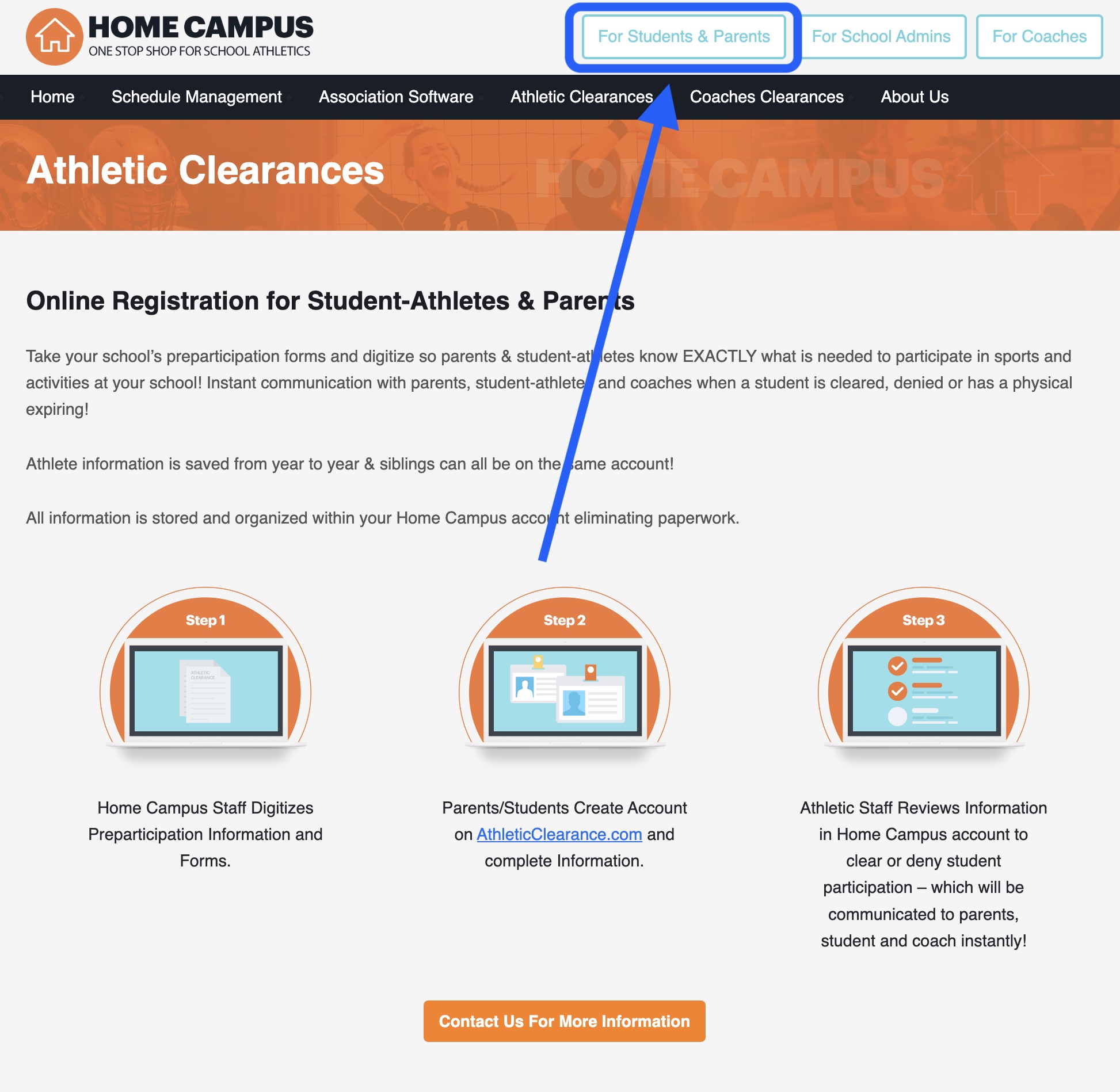
- Be on a desktop/laptop computer.
- Visit HomeCampus.com
- Follow the instructions: Select 1 "Students + Parents" + 2 "California"
- Login or create an account
- Parents - you'll need your athlete nearby to help with info and their signatures.
- Make sure you're selecting ALL the sports you'll be doing ALL year (Fall / Winter / Spring) to avoid doing this for every new season of sports.
- You will need your medical card handy (if applicable)
- Give the school time to clear your athlete. If it's been more than 72 business hours pending in the portal or it was rejected - follow up - instructions here.
- Try your best to troubleshoot on HomeCampus - Vicki oversees ALL Woodcreek Sports - so pls be kind + thoughtful. For questions email Vicky Souza or (916) 771-6565 ext: 4015.




Join our Facebook "WAC Group" or follow us on Instagram.
X, formerly known as Twitter - will not be updated as often.
