
HOW TO REGISTER
Registration with the new website should be a breeze! Many other sports and Irvine Swim League all use Go Motion / TeamUnify for their registration needs. If you have a child that plays other sports, chances are good that you may already have an account. Please follow the instructions and pictures below to help you register for the Woodbridge Swim Team:
IF YOU ALREADY HAVE A TEAMUNIFY / GOMOTION ACCOUNT:
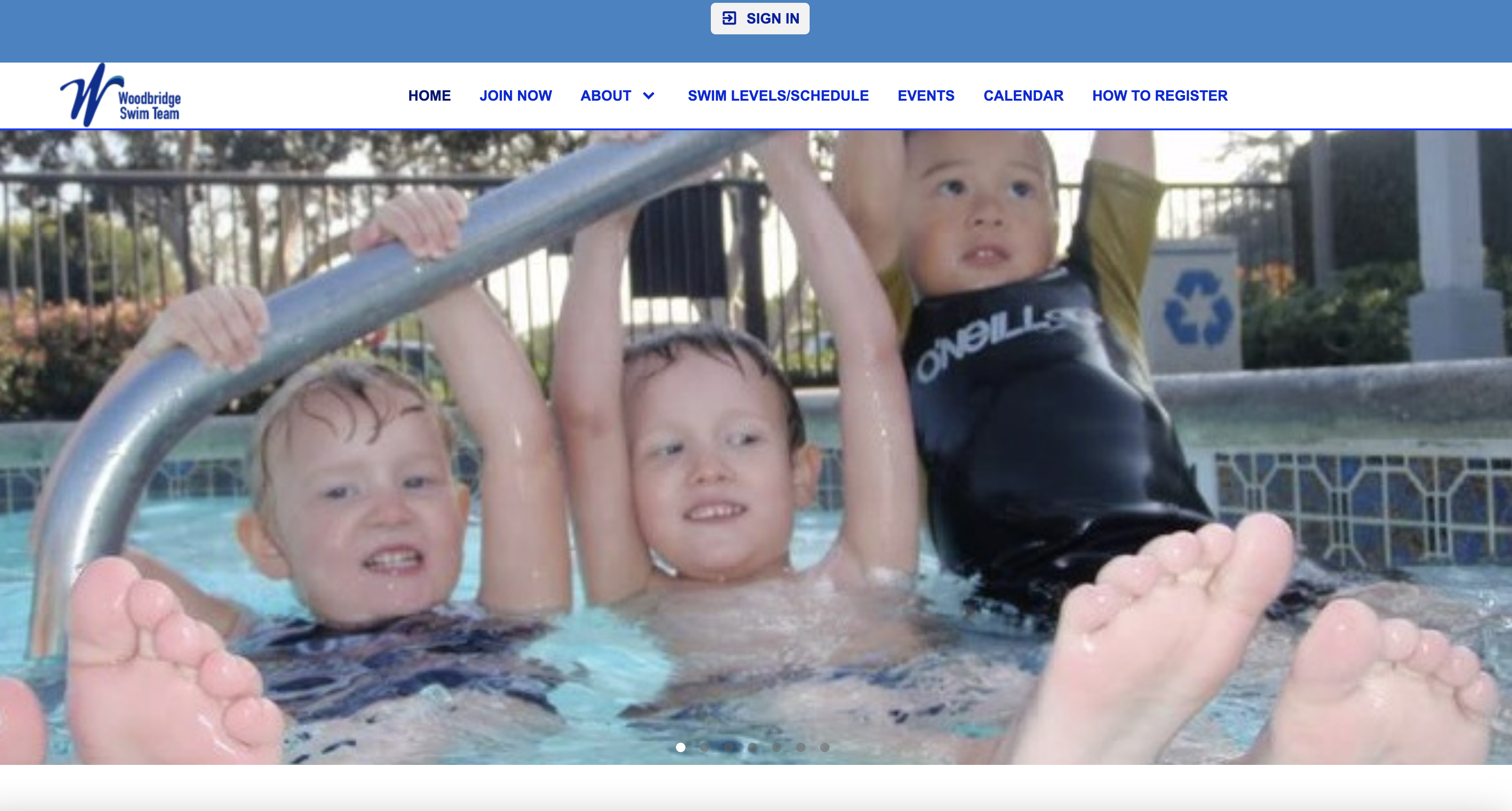
1. Go to https://www.gomotionapp.com/team/woodbridgest/page/home
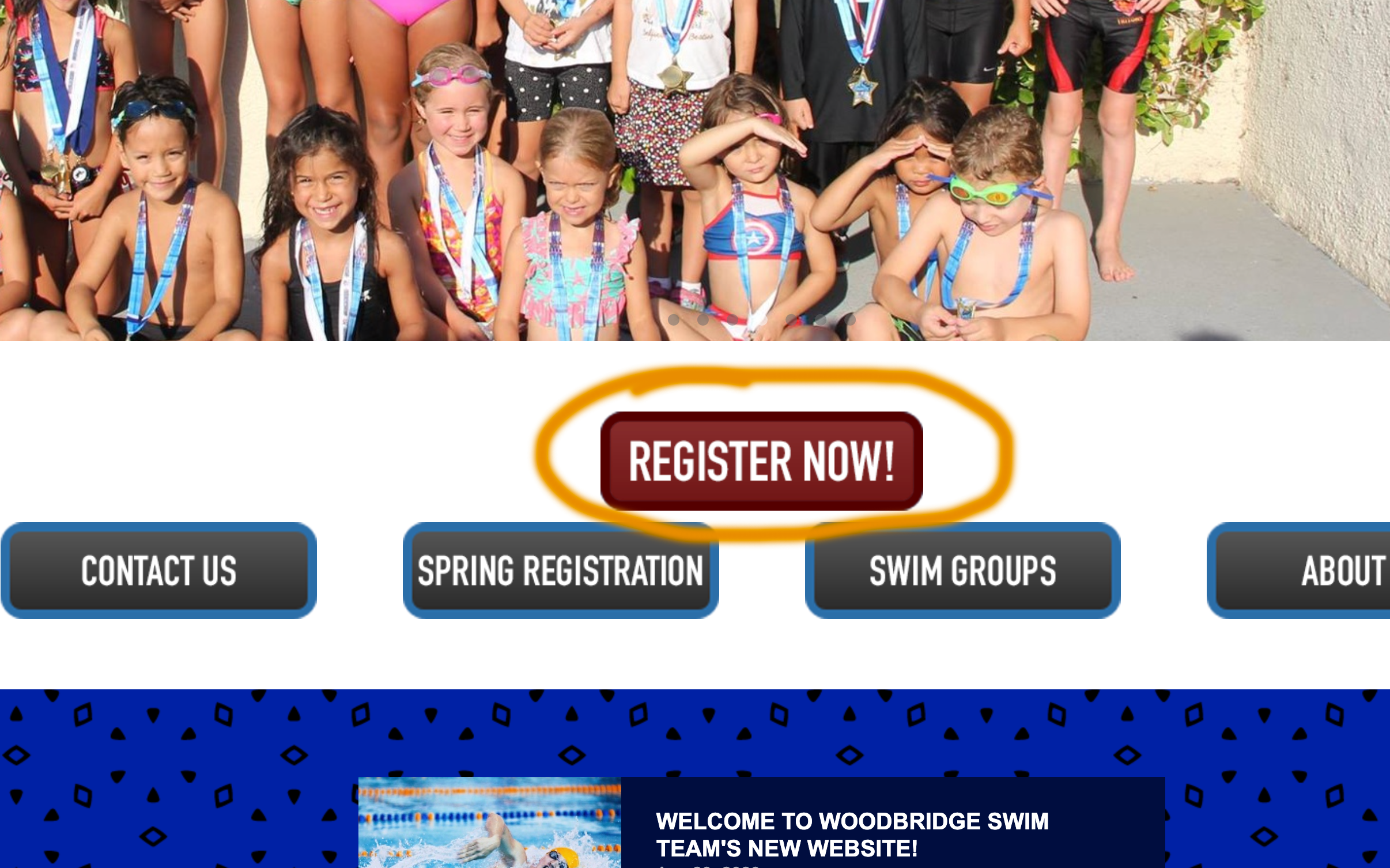
2. Click on REGISTER NOW
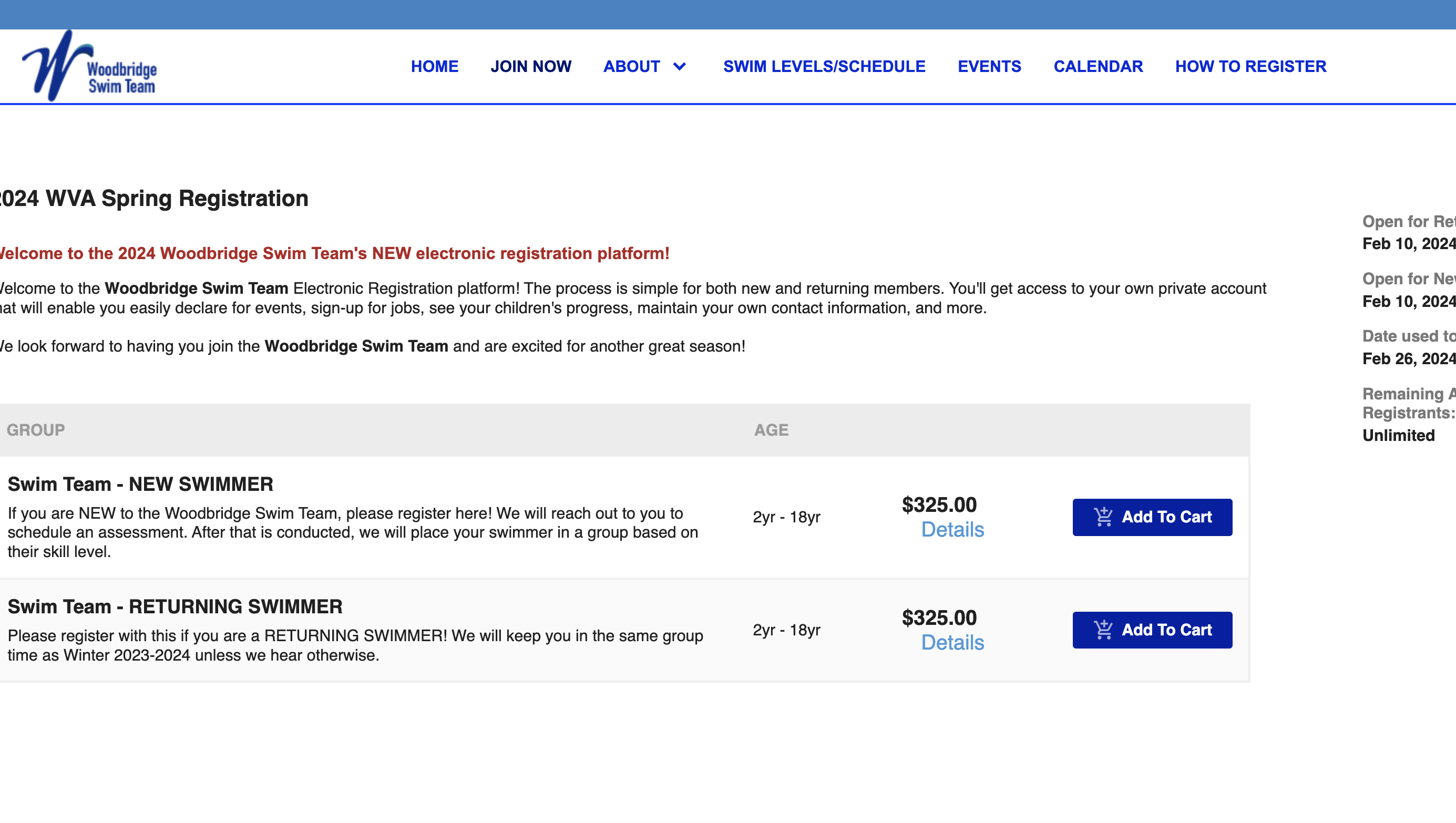
3. Add "Swim Team - Returning Swimmer" or "Swim Team - New Swimmer" to your cart.
If you are a new swimmer, please add the "New Swimmer" to your cart. Otherwise, please add "Returning Swimmer". We will place returning swimmers in the same group that they were in during Winter 2023-2024 or their last swim season. New swimmers registering will need to complete an assessment with a coach before group placement.
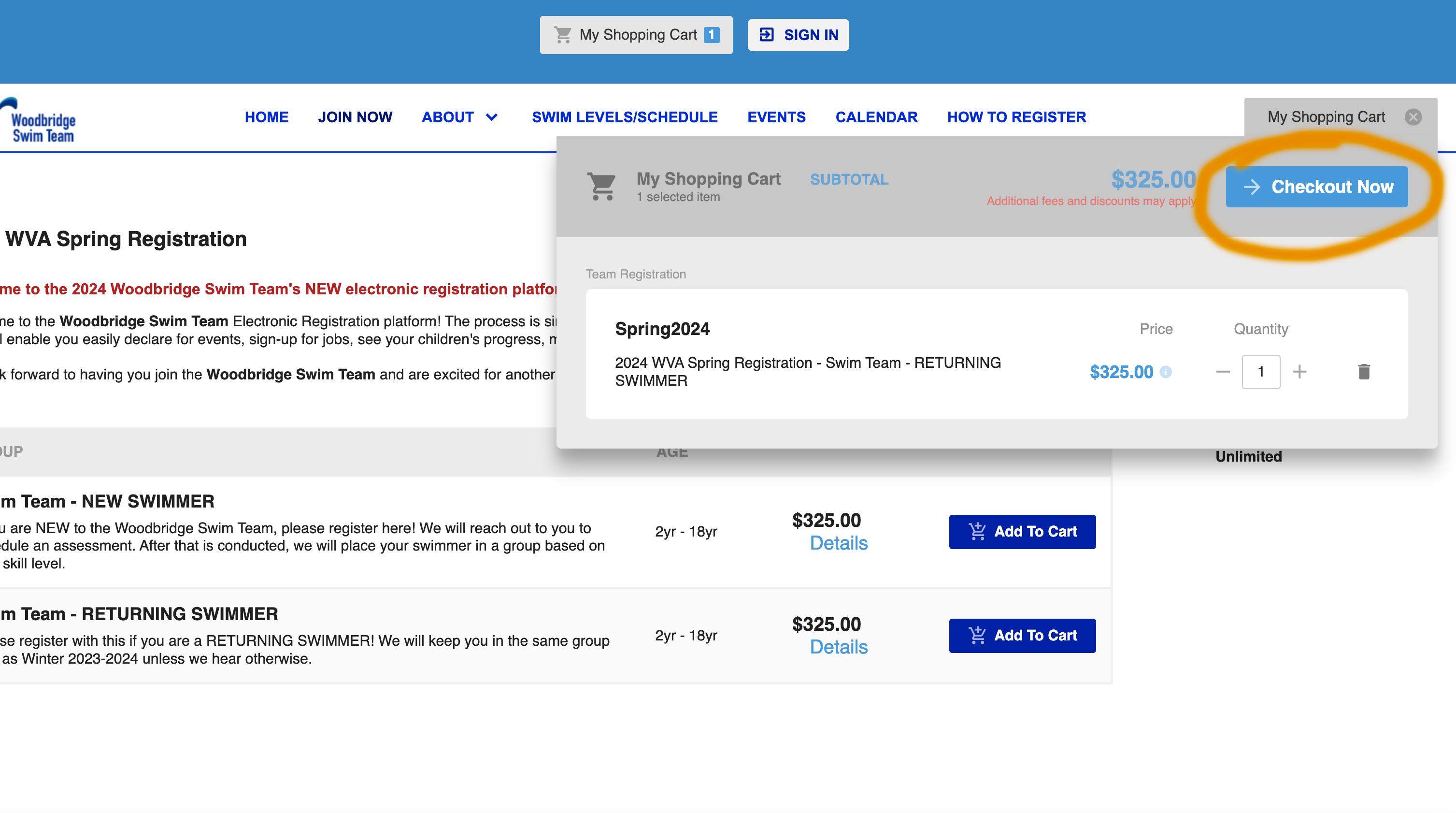
4. Go to your Cart and click "Checkout Now"
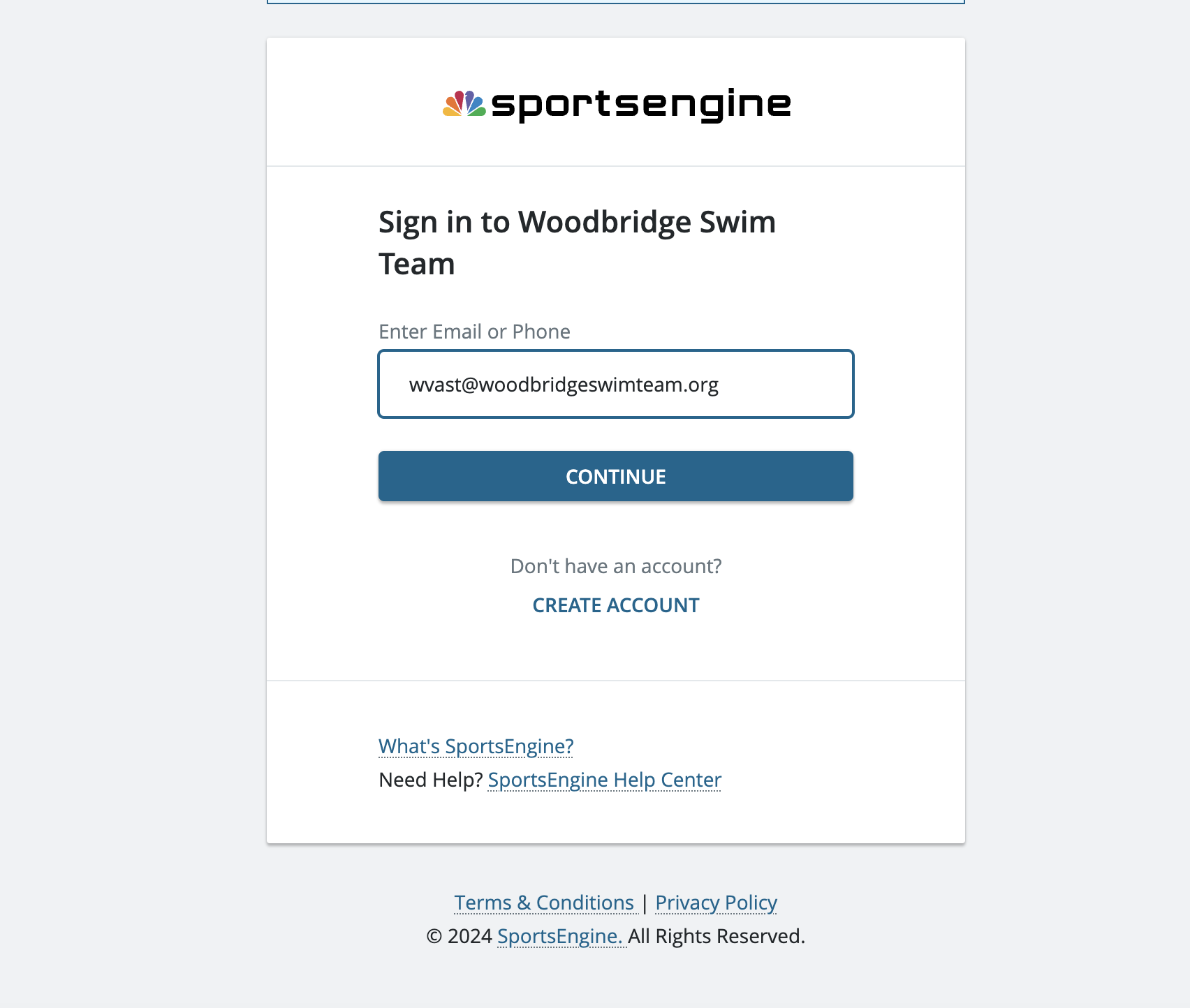
5. Select Sign In / Create Account and Sign In with your TeamUnify credentials
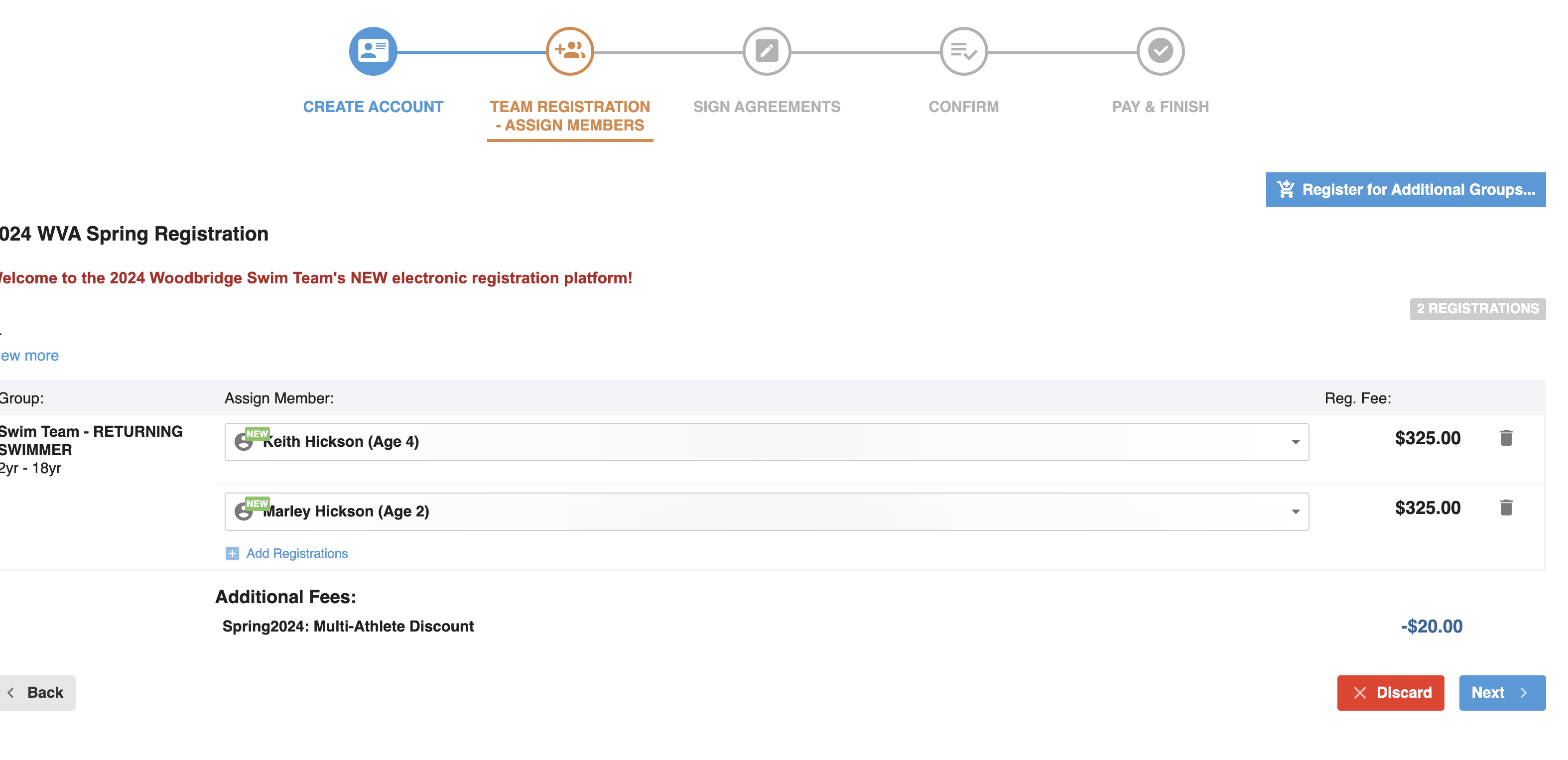
6. Assign a Member or Select "Add New Member".
Click on "Add Registrations" to add additional swimmers and to receive your sibling discount
7. Agree to the Waivers and click "Next"

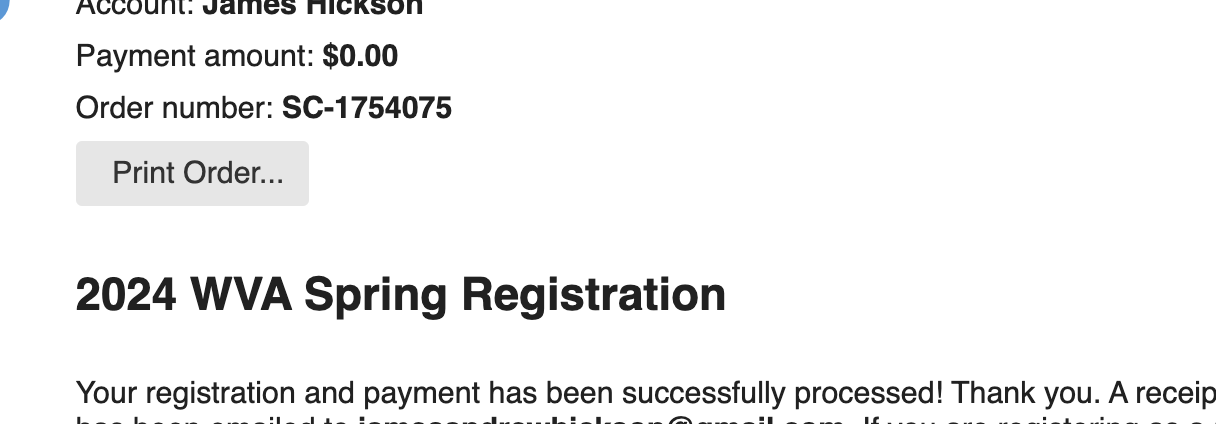
8. Enter your Credit Card Information or Select Cash/Check. Click on "Pay Now"
There are approximately $9-$10 of credit card fees per swimmer on Team Unify. If you prefer to avoid these fees, please feel free to select Cash or Check and bring payment to the pool. Once your payment is received, your registration will be approved and you will be placed in a group.
9. Once you've registered, wait for an email confirming your swimmers group time.
10. If there are any issues with your group time, please email [email protected] or come to the pool with any questions!
IF YOU DO NOT HAVE A TEAMUNIFY / GOMOTION ACCOUNT:
1. Go to https://www.gomotionapp.com/team/woodbridgest/page/home
2. Click on REGISTER NOW
3. Add "Swim Team - Returning Swimmer" or "Swim Team - New Swimmer" to your cart.
If you are a new swimmer, please add the "New Swimmer" to your cart. Otherwise, please add "Returning Swimmer". We will place returning swimmers in the same group that they were in during Winter 2023-2024 or their last swim season. New swimmers registering will need to complete an assessment with a coach before group placement.
4. Go to your Cart and click "Checkout Now"
5. Select Create Account and Complete the Registration Questions
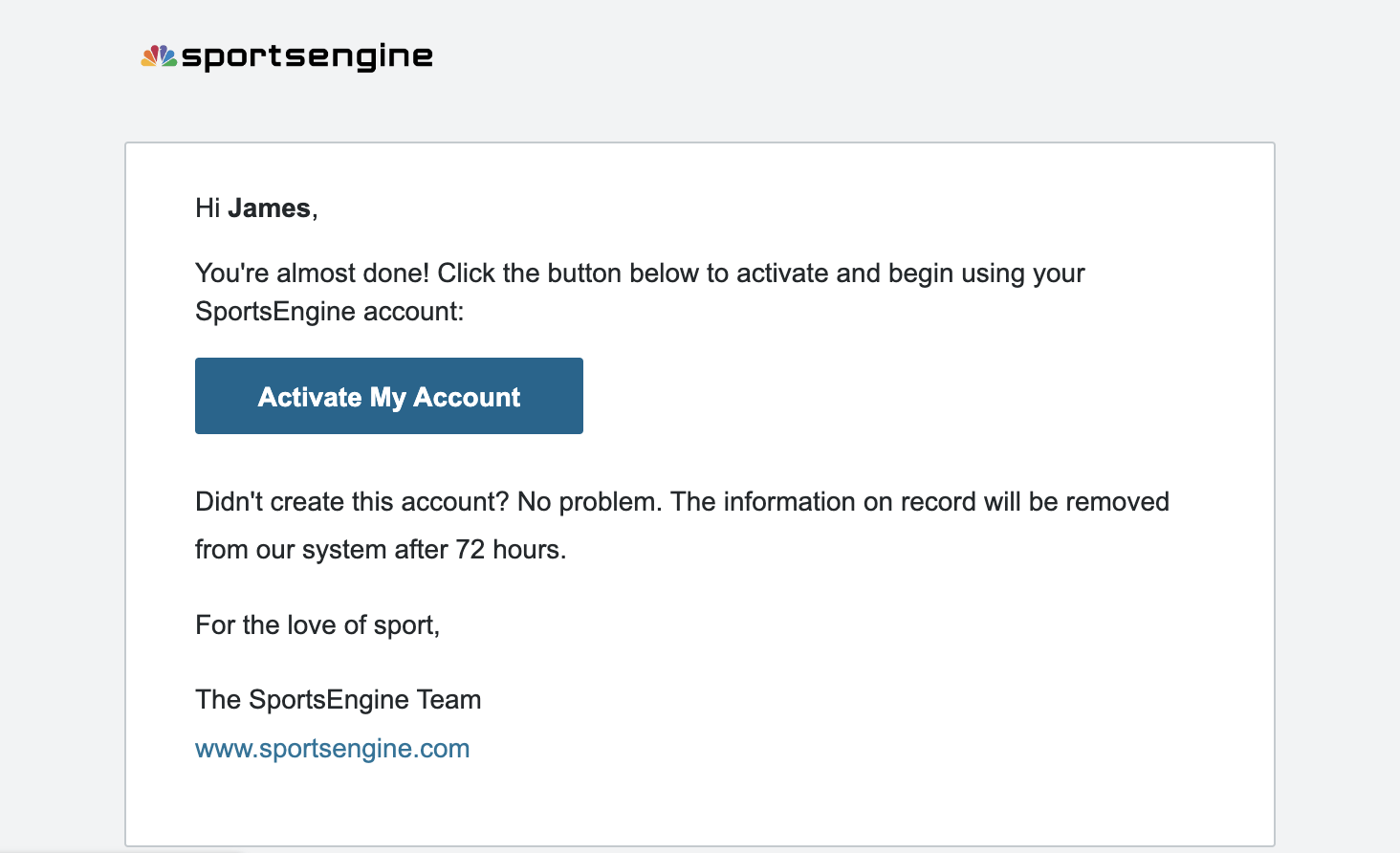
6. Wait for the Email from SportsEngine and Activate Your Account. Once activated, please complete the information to complete your account registration.
7. Select "Add New Member" and add your swimmer's information
Click on "Add Registrations" to add additional swimmers and to receive your sibling discount
8. Agree to the Waivers and click "Next"
9. Enter your Credit Card Information or Select Cash/Check. Click on "Pay Now"
There are approximately $9-$10 of credit card fees per swimmer on Team Unify. If you prefer to avoid these fees, please feel free to select Cash or Check and bring payment to the pool. Once your payment is received, your registration will be approved and you will be placed in a group.
10. Once you've registered, wait for an email confirming your swimmers group time.
11. If there are any issues with your group time, please email [email protected] or come to the pool with any questions!
